Board.Breathe.
The crossing is ahead. The cabin key is already on the passenger’s phone, inside your own app. One less thing to collect. One less thing to carry.
Mobile cabin keys for cruise and ferry operators.
Inside your own passenger app or ours, connected to your locks and booking system.

ALL ABOARD. NOT IN LINE.
Physical key distribution adds a stop to the journey. A digital key puts cabin access on the passenger’s phone—so they can get on with being away.
The crossing is ahead. The cabin key is already on the passenger’s phone, inside your own app. One less thing to collect. One less thing to carry.
At a compatible cabin lock, the phone becomes the key. A small gesture replaces the handover of a physical card.
The cabin is open. The bags are down. Your passenger can settle in, and your team can focus on the journey ahead.
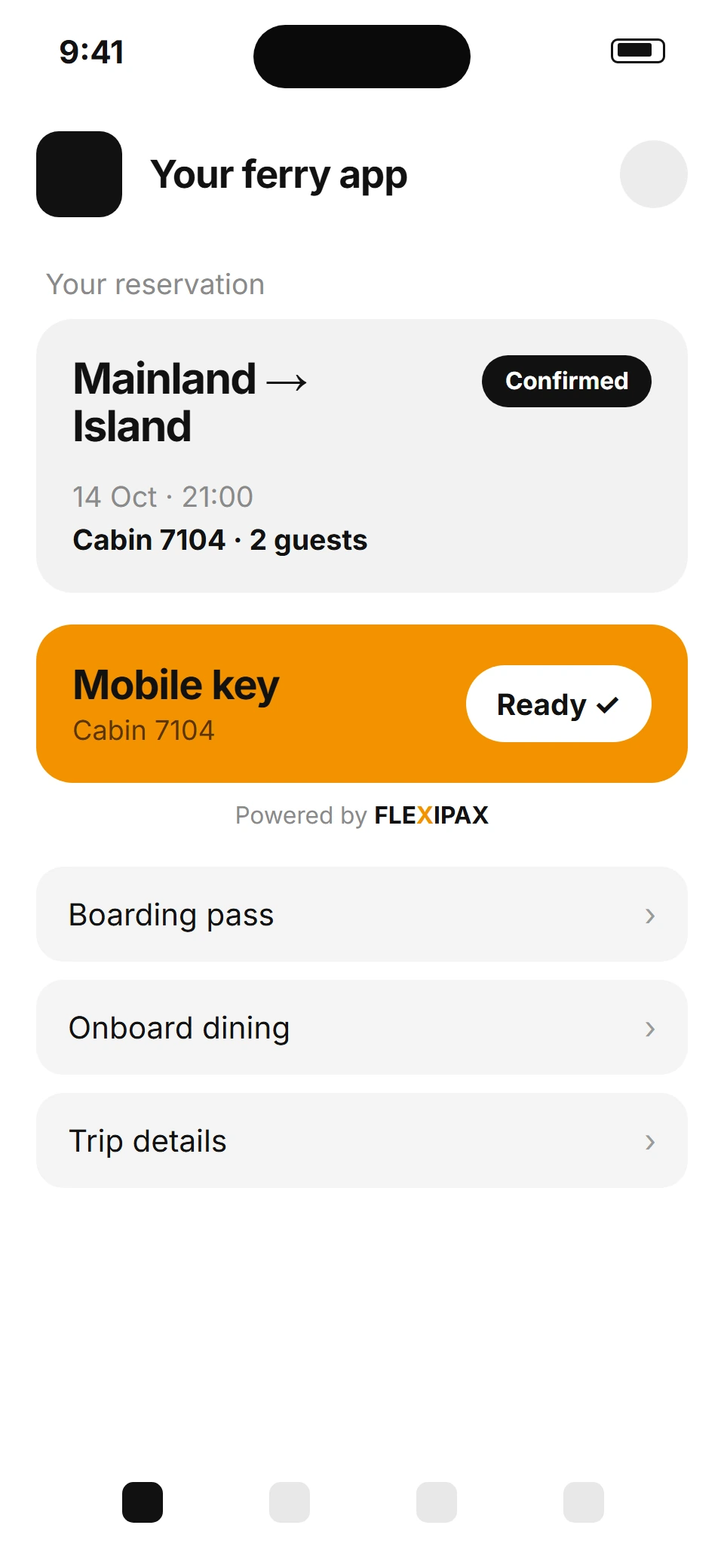
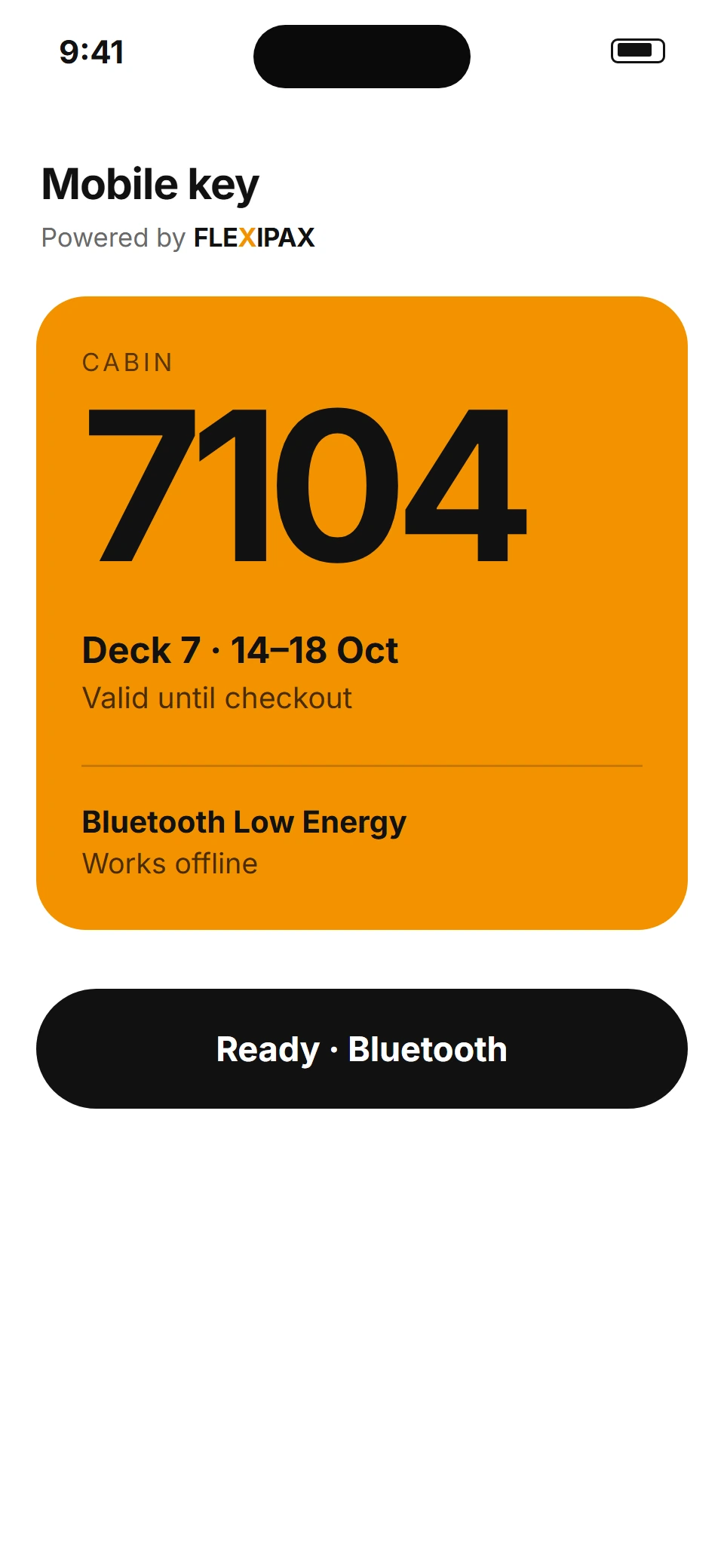
The FLEXIPAX SDK puts the cabin key inside the passenger app you already run. Guests book the trip, tap “Get key” and open their cabin over Bluetooth Low Energy, without leaving your app.
The FLEXIPAX SDK is a native app toolkit that adds mobile cabin keys to a cruise or ferry operator’s existing passenger app. After booking, the passenger taps “Get key” in the operator’s app and the key is delivered to their phone. At the cabin door, the phone opens a compatible lock using Bluetooth Low Energy. Lock compatibility and the reservation-system connection are reviewed for each vessel.
Your app. Now with mobile keys. Our SDK, inside your app: mobile key for cabin 7104, ready. Plug in: a native app SDK. Your brand. Your app. Our mobile keys. Book, in your app. Tap “Get key”. Key, on the phone. Go, over Bluetooth Low Energy. The key lives here: book the trip, tap “Get key”, key is ready. Guests never leave your app. FLEXIPAX. Your app. Our keys. Book a fleet demo at flexipax.tech.
For the passenger, it’s a tap.
For your operation, it’s the connection between cabin locks, booking systems, and digital access.
Start with your existing cabin locks. Check Bluetooth Low Energy compatibility and the status of your door-lock software.
ASSESSConnect your internal or external booking reservation system with digital key delivery through the FLEXIPAX open API.
CONNECTIntroduce mobile cabin access and reduce the manual work of physical key distribution. Your team supports the journey. Their phone carries the key.
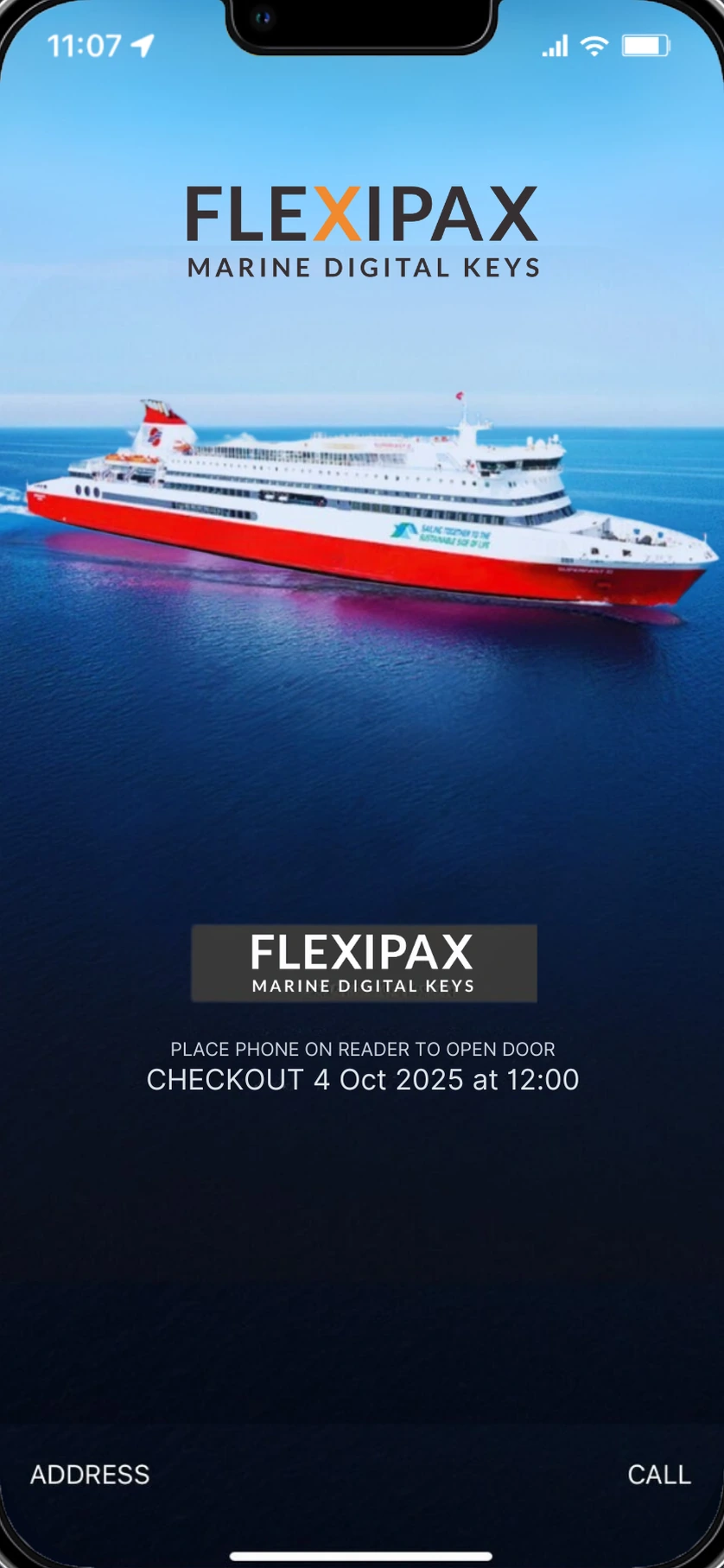
WELCOME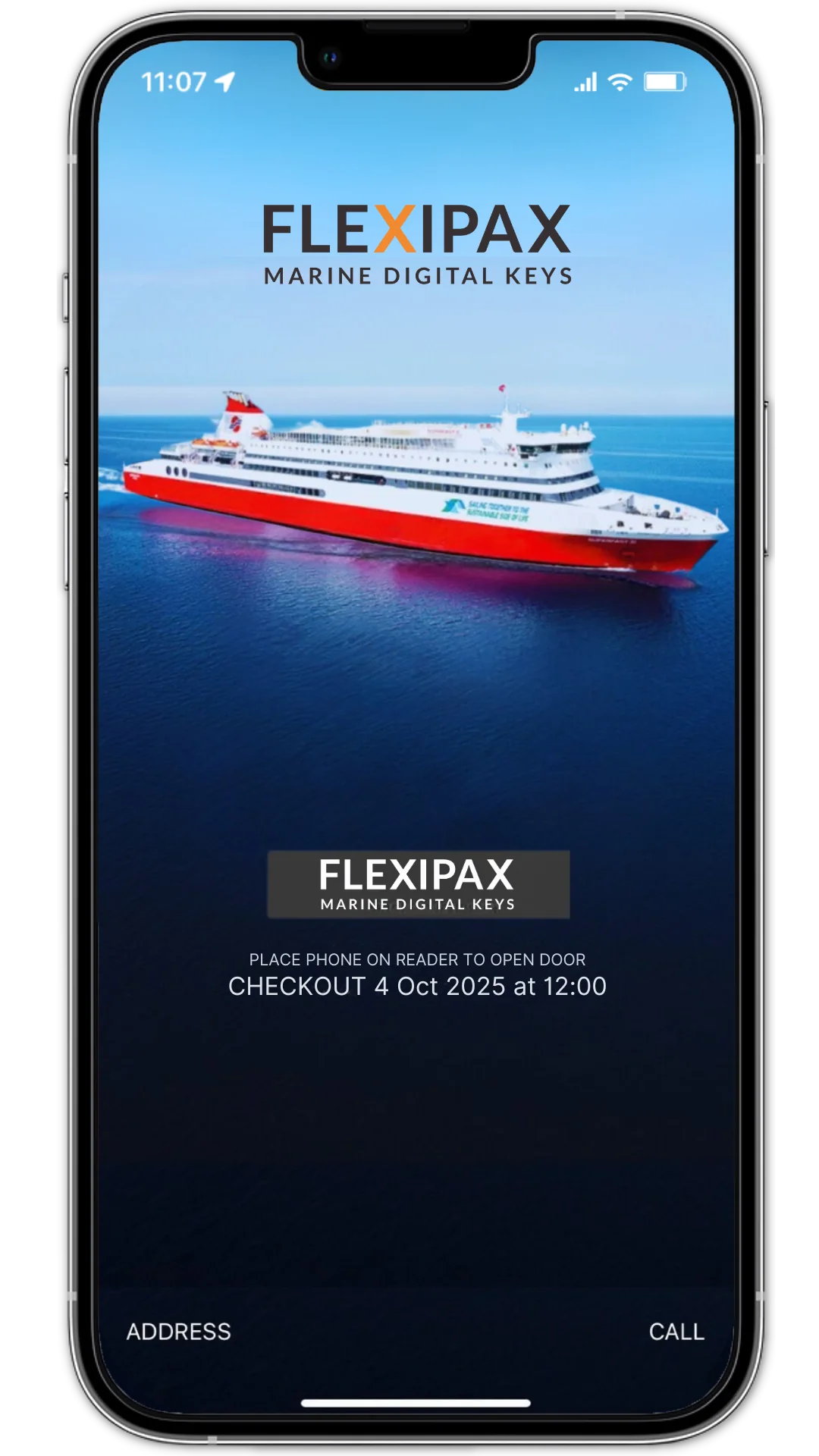 THE EXISTING FLEXIPAX MOBILE KEY EXPERIENCE
“FLEXIPAX is intuitive, easy to use, and has significantly helped Attica Group save valuable time while enhancing our passenger experience.”
From boarding to the cabin door. Explore mobile access for your cruise or ferry operation.
EXPLORE IT FOR YOUR VESSEL
Mobile cabin access, explained for your next fleet conversation.
DISCUSS YOUR VESSELFLEXIPAX provides mobile cabin keys for cruise and ferry operators. Marine operations, IT teams and integration partners can discuss connecting passenger access with compatible cabin locks and reservation systems.
Compatibility needs to be reviewed with your lock provider. Start with the lock model, Bluetooth Low Energy capability and door-lock software version; the team can then discuss the integration requirements for your vessel.
Yes. FLEXIPAX integrates with your own passenger app: the FLEXIPAX SDK adds mobile keys inside your existing native app, so passengers never have to leave it. FLEXIPAX also offers API integration for reservation systems and its own app option. The right approach depends on your current systems and how you want to deliver keys to passengers.
Once downloaded, a mobile key remains available until its checkout date and time. Downloading or updating a key, including after a cabin change, requires a data connection.
Physical keycards can remain available alongside mobile keys. A passenger without a usable phone can ask reception for a physical keycard.
Bring your vessel or fleet context, cabin-lock provider and model, reservation-system details, and passenger-app requirements. These help the team discuss compatibility and the most appropriate integration approach.
A marine mobile cabin key is a digital credential on a passenger smartphone that opens a compatible cabin lock. FLEXIPAX connects mobile cabin access with reservation systems for cruise and ferry operators. The phone communicates with a compatible lock using Bluetooth; a digital boarding pass alone is not a cabin key.
The passenger first receives and downloads their mobile cabin key through the configured app and key-delivery process. They then bring the phone close to the compatible cabin reader and follow the app instructions. The key must be valid for that cabin and stay.
A mobile key stores the cabin-access credential on a smartphone; a physical keycard carries it on a separate card. Both can be used alongside each other with a compatible setup. Keeping physical keycards available gives passengers a fallback when their phone is unavailable.
An API connects software systems, such as a reservation system and a mobile-key service. An SDK gives developers components to integrate mobile-key functionality into an application. FLEXIPAX offers API and SDK integration options; the required combination depends on the booking workflow, passenger app and lock system.
No. Bluetooth capability alone does not establish compatibility. The lock manufacturer, model, firmware or door-lock software and available integration need to be reviewed together. Confirm the complete setup before choosing hardware or planning a rollout.
Review cabin-lock compatibility, the reservation-system connection, passenger key delivery and the availability of internet for downloading or updating keys. Also plan for cabin changes, reception support and a physical-keycard fallback. Include operations and technical teams in the review.
Your fleet.
Your passengers.
Let’s connect the journey.